
5 Tips for Creating Effective Data Visualizations
Data visualization transforms complex data into information that people can more easily understand and use. Data visualization is especially useful for education agencies, who often need to communicate different levels of data to audiences with different levels of data knowledge and different information needs.
Poorly designed data visualizations can lead users to misread trends, misunderstand differences, or draw inaccurate conclusions. Thoughtful data visualization can help bridge the gap between data collection and data-informed action.
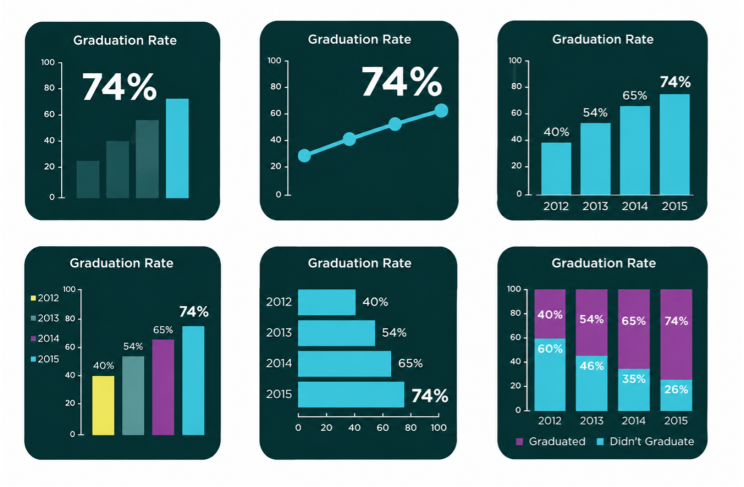
Here are five tips for creating data visualizations that are clear, accurate, accessible and actionable.
1. Lead with what matters.
Place the most important information at the forefront of your visualization. A well-designed visualization should help the audience quickly identify key information and draw meaningful conclusions. Before creating a visualization, consider your audience and its purpose. What does your audience need to know? What should they be able to understand or do after viewing the visualization? Use the answers to these questions to determine which information to emphasize.
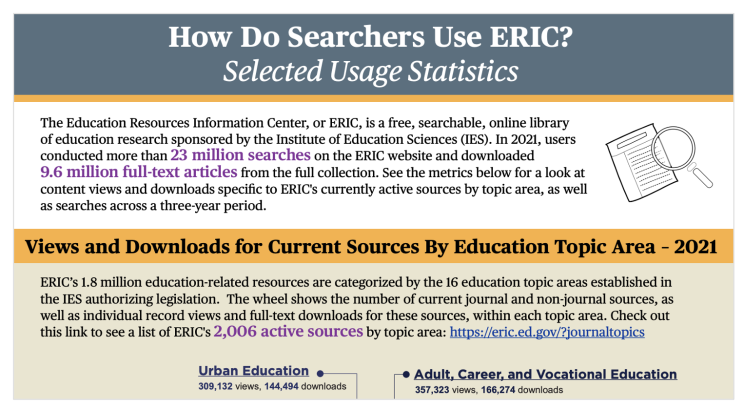
2. Prioritize simplicity and clarity.
Showing more information is not necessarily better. Too much information, decoration, or unnecessary formatting can distract or overwhelm viewers and make it harder to identify the main takeaway. Keep visualizations clear by removing elements that do not communicate meaningful information. Use labels, colors, lines, and other visual elements intentionally, and give the data enough space to be skimmed and understood easily.
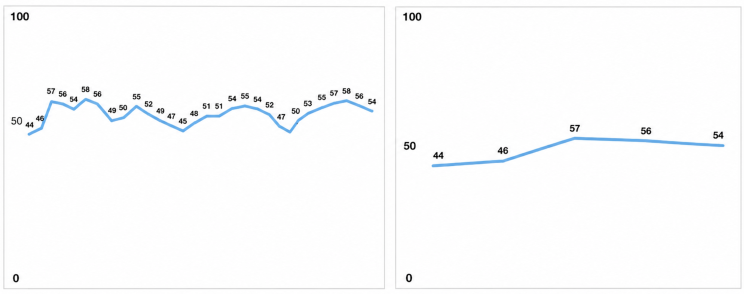
3. Be consistent and accurate.
Present information consistently so audiences can more easily understand and compare data. For example, if you publish a monthly report, maintain a consistent format from month to month so readers know where to find key information. Charts and graphs should also represent data accurately. Use consistent intervals on axes, clearly label units and categories, and avoid design choices that could exaggerate or minimize differences in the data.
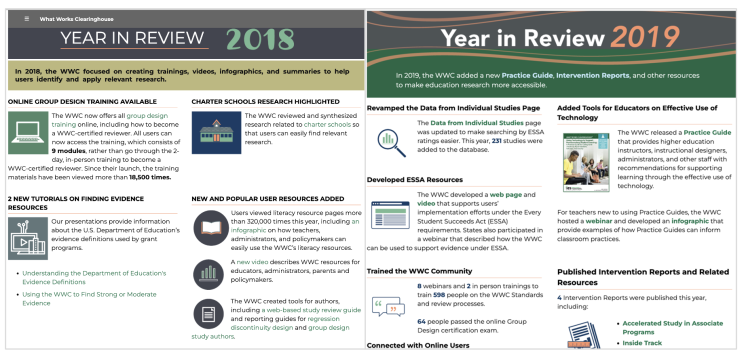
4. Provide sources and context.
Identify the sources used in your visualization so readers understand where the information comes from and can better assess its reliability. Whenever appropriate, provide additional context such as the date or time period represented, population included, definitions of key measures, or other information necessary to interpret the data. Providing this context helps audiences draw more informed conclusions and increases transparency and trust in the information being presented.
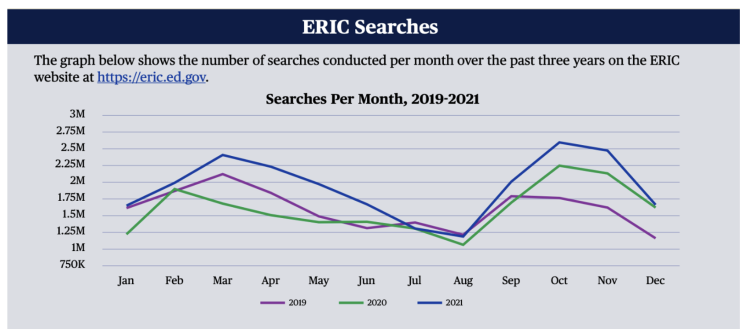
5. Design for accessibility.
Accessibility should be considered throughout the design process rather than added after a visualization is complete. Considering accessibility means
- ensuring compatibility for screen readers and other assistive technologies;
- minimizing jargon, acronyms, and technical terms;
- using clear, easy-to-read fonts and text sizes;
- using color intentionally and avoiding color as the only way to communicate meaning; and
- providing text descriptions accurately convey the meaning of the visual content.
Turning Data into Action
Effective data visualization is about more than making data visually appealing. It is about helping people understand information, identify meaningful patterns, and make informed decisions. By prioritizing clarity, accuracy, context, consistency, and accessibility, education agencies can create visualizations that help turn data into meaningful action. For more information on data visualization, check out these QIP-supported resources:
- The Forum Guide to Data Visualization: A Resource for Education Agencies
- The Forum online course on data visualization


