
Making Complex Information Accessible to a Larger Audience

Subject matter experts may sometimes worry that simplifying a resource means “dumbing down” the content. In practice, effective simplification does the opposite. Making complex information understandable requires identifying what matters most, understanding how the pieces fit together, and communicating those ideas without unnecessary complexity.
Many subject matter experts are accustomed to writing papers and guides for other subject matter experts. But their work is also used by teachers, policymakers, journalists, parents, and other audiences who may have different levels of expertise and different information needs. Dense technical language, detailed descriptions of methodologies, and unfamiliar jargon can create a gap between the experts who generate information and the people who need to use it.
When complex information is clear, accessible, and designed around the needs of its audience, more people can understand it, trust it, and put it into practice.
For more than 14 years, QIP supported the Statewide Longitudinal Data Systems (SLDS) Grant Program, on a contract that provided technical assistance to state agencies managing data systems that connect data across multiple education, workforce, and other public agencies. SLDSs support a wide range of stakeholders, from database administrators and program managers to policymakers and other data users, each of whom brings different expertise and information needs.
A significant part of QIP’s work involved collaborating with subject matter experts to create publications, videos, toolkits, templates, and worksheets that a wide range of audiences and programs could use. Along the way, we learned several strategies for transforming complex information into materials that are accessible, understandable, and actionable.
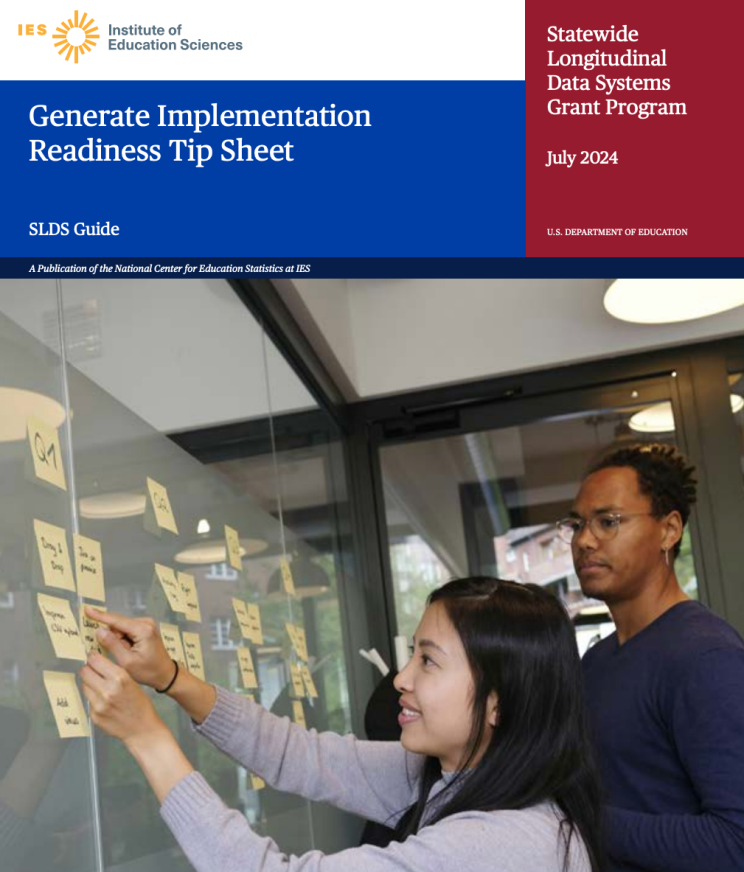
Consider Your Audience and Meet Them Where They Are
Start by thinking about your audience. Who are they, and what are they trying to accomplish? What do they need to know to accomplish it?
Identify the main ideas you want the audience to take away and use these ideas to develop the structure of your resource. Each key idea can become a section, with supporting context and explanation organized beneath it. Understanding readers’ priorities helps writers determine which information is most important and makes that information easier to find.
Next, consider how familiar your audience is with the subject. Technical terminology may still be necessary, but it should be explained clearly. Spell out abbreviations the first time they appear, and define specialized concepts in plain language. This approach gives less experienced readers the context they need without removing the specificity that expert audiences expect.
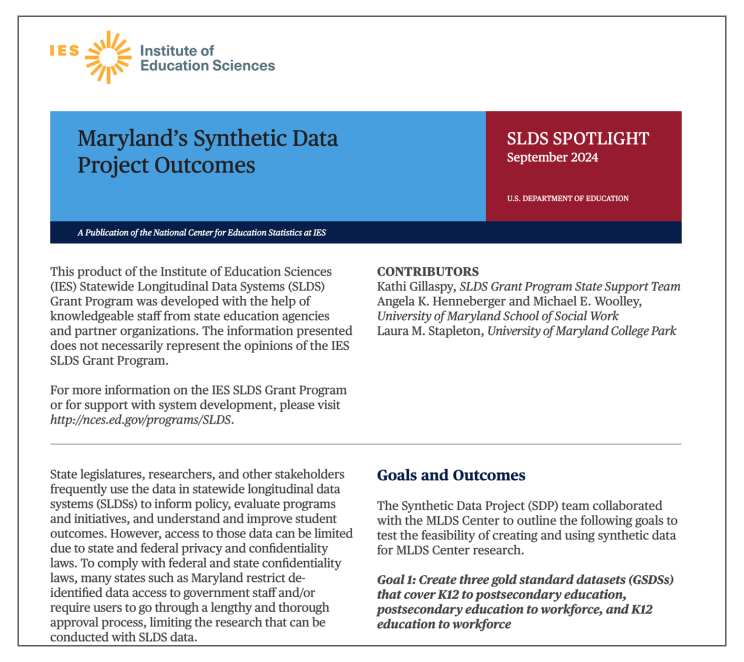
Find the Best Vehicle for Your Information
Text alone is not always the best way to communicate complex information. Consider what you want your audience to understand or do, and choose a format that supports that goal. Videos, infographics, flowcharts, and interactive graphics can make information easier to navigate and help audiences focus on the details most relevant to them.
Use video to explain a process or walk learners through a topic. Videos can break information into manageable pieces and combine narration with visuals, examples, and demonstrations. Viewers can also pause, replay, or revisit sections as needed, making video particularly useful for instructional content.
Use infographics to highlight key information and show relationships. Infographics can distill a large amount of information into key takeaways, steps, categories, or connections. Rather than asking readers to find essential information across several pages of text, a well-designed infographic can make those points visible at a glance.
Use flowcharts and decision trees to guide action. When readers need to decide or determine which requirements apply to them, a visual pathway can turn complicated policies or procedures into a series of manageable questions and steps.
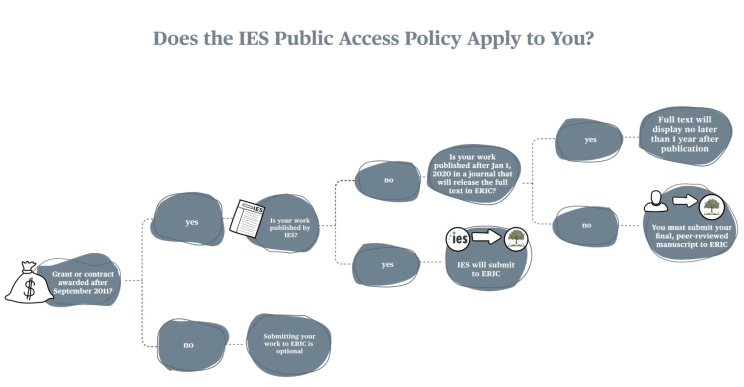
The goal is not to replace detailed information with visuals. Instead, choose the format—or combination of formats—that makes the information easiest for your audience to understand and use.
Accessibility Isn’t Just About Compliance
Documents published by federal programs must comply with Section 508 of the Rehabilitation Act so that people with disabilities can access the information they contain. But many of the practices that support accessibility also improve the experience for all users.
Plain language is one way to make complex information easier to understand. Using active voice, straightforward sentences, and fewer unnecessary words makes content clearer. Clear headings and putting the most important information first also help readers scan a resource, see how ideas connect, and quickly find what they need.Visual design can support this work, as well. Color, icons, white space, and other design elements can help communicate organization and guide readers through complicated information when they are used thoughtfully and accessibly.
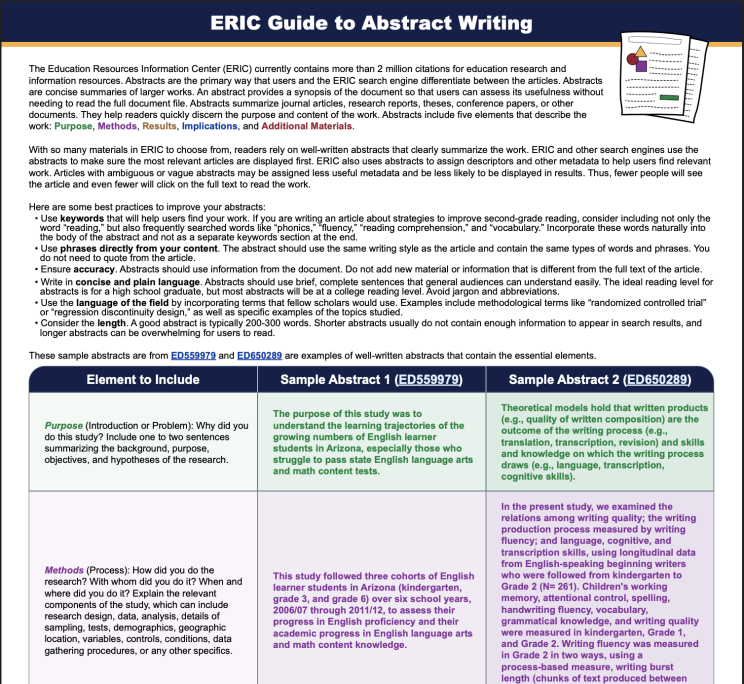
Making complex information accessible does not mean removing its substance or specificity. It means making thoughtful decisions about what your audience needs, how information should be organized, which formats can communicate it most effectively, and how accessibility can be built into the resource from the start.
Whether the final product is a detailed publication, a short video, an infographic, or a combination of formats, the goal is the same: help people find, understand, and use the information they need. When complex ideas are communicated clearly, they can reach beyond subject matter experts and become useful tools for the broader audiences they are intended to serve.


